
My Biz Email Reseller API: Integrate Email Hosting Into Your Platform
Overview
The My Biz Email Reseller API is a REST API that lets you programmatically manage tenants, domains, and email accounts. Use it to integrate email hosting into your own billing platform, client area, or automation workflows.
Full interactive API documentation: steadyclimbseo.com/reseller-api
In-dashboard reference: Settings → API → Reseller API
No WHMCS / cPanel Module
My Biz Email does not provide a WHMCS module or cPanel/WHM integration. Instead, we offer a clean REST API that works with any platform. You can integrate it with WHMCS, Blesta, HostBill, or any custom billing system using their API/hook capabilities.
Authentication
Create an API key at Settings → API → API Keys, then include it as a header:
X-Api-Key: your-api-key-hereKey Endpoints
Tenant Management
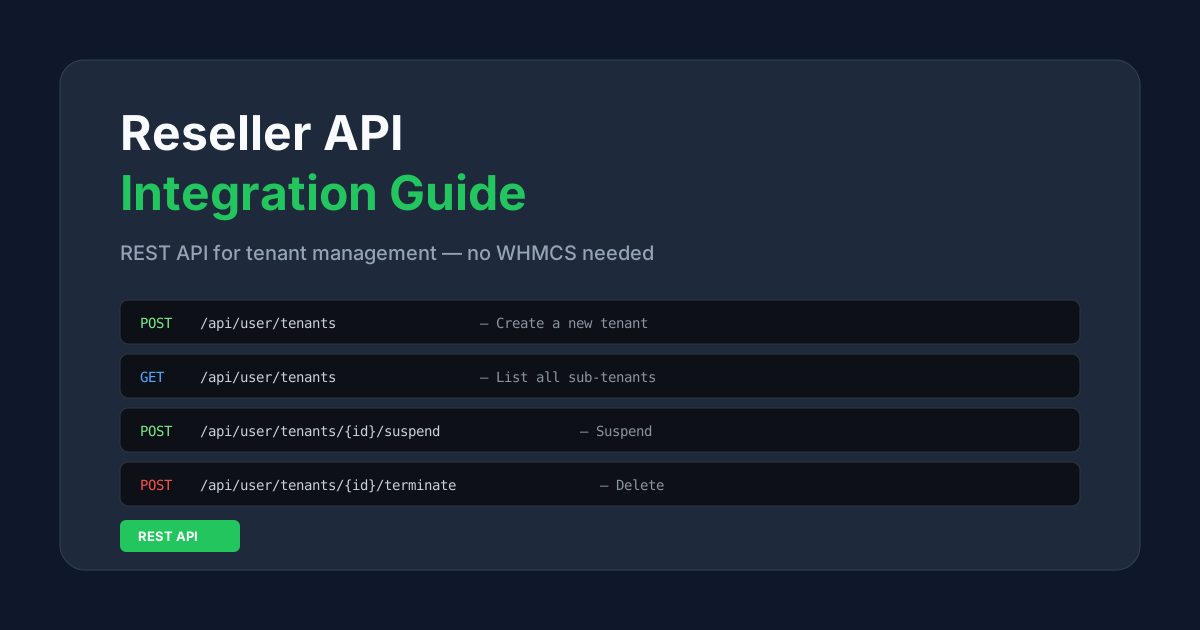
GET /api/user/tenants— List all your sub-tenants with email countsPOST /api/user/tenants— Create a new tenant (auto-generates credentials)POST /api/user/tenants/{id}/suspend— Suspend a tenantPOST /api/user/tenants/{id}/reactivate— Reactivate a suspended tenantPOST /api/user/tenants/{id}/terminate— Permanently delete a tenantPATCH /api/user/tenants/{id}/quota— Update tenant storage quota
Reseller Overview
GET /api/user/reseller/overview— Get quota usage, tenant statsPOST /api/user/reseller/sync-quota— Force recalculate available quota
Creating a Tenant (Example)
POST /api/user/tenants
Content-Type: application/json

{
  "quota_gb": 5
}

Response:
{
  "success": true,
  "data": {
    "tenant_username": "user38472615",
    "tenant_name": "user38472615_tent",
    "tenant_password": "a1b2c3d4e5f6...",
    "quota_gb": 5,
    "status": "active"
  }
}
Important: The tenant password is shown only once in the response. Save it immediately — it cannot be retrieved later.
Tenant Login
Once a tenant is created, the tenant admin can log in at your branded webmail URL (or https://mail.76ds.host/inbox/) using the generated username and password. From there they can add domains, create email accounts, and access all email features.
Integration Workflow
Before creating tenants, make sure you have set up your brand at Reseller → Rebrand. The typical integration flow is:
- Brand setup — Create your brand identity (once)
- Provisioning — Call the create tenant endpoint when a customer purchases hosting. Store the returned credentials.
- Suspension — When a customer's invoice is overdue, call the suspend endpoint. Call reactivate when they pay.
- Termination — When a customer cancels, call the terminate endpoint to remove all data.
- Quota changes — Use the quota update endpoint for storage upgrades/downgrades.
Error Handling
Common error responses:
403 PLAN_UPGRADE_REQUIRED— Free plan users must upgrade to a paid plan422 QUOTA_EXCEEDED— Requested quota exceeds available quota422 TENANT_LIMIT— Maximum tenant limit reached
For the complete API reference with all request/response examples, visit steadyclimbseo.com/reseller-api or Settings → API → Reseller API.